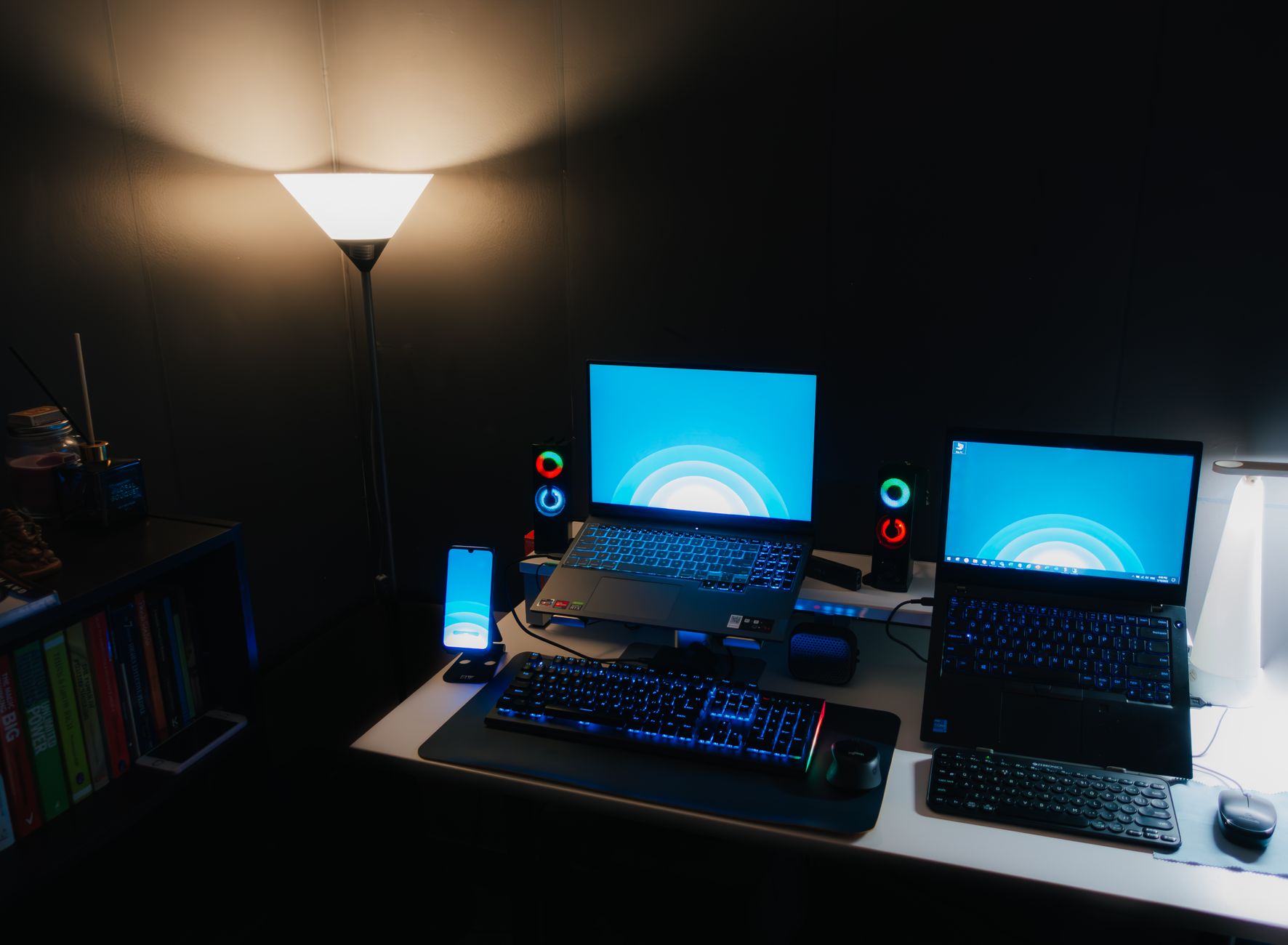
How to Choose a Gaming Laptop: Your Ultimate Guide
how to choose a gaming laptop

How to Choose a Gaming Laptop: Your Ultimate Guide

Unlock peak portable gaming performance with expert insights on specs, budget, and features, ensuring you make the best choice.

Find Your Perfect Gaming Laptop

Key Takeaways

  • ✓ Prioritize GPU and CPU for gaming performance.
  • ✓ Screen refresh rate and resolution are crucial for visual experience.
  • ✓ SSD storage is essential for fast load times.
  • ✓ Battery life is often a compromise in powerful gaming laptops.

How It Works

1
Define Your Gaming Needs and Budget

Determine what types of games you'll play and your expected graphical settings. Establish a clear budget range, as gaming laptops vary significantly in price.

2
Prioritize Key Components: GPU, CPU, RAM

Research the latest generations of graphics cards (GPU) and processors (CPU) to match your performance needs. Aim for at least 16GB of RAM for modern gaming.

3
Evaluate Display and Storage Options

Look for a high refresh rate screen (120Hz+) for smooth gameplay and consider resolution (1080p is standard, 1440p/4K for higher budgets). Opt for an SSD for primary storage.

4
Consider Design, Cooling, and Connectivity

Assess the laptop's build quality, keyboard, and trackpad. Research its cooling system effectiveness and ensure it has adequate ports for your peripherals.

Understanding Core Components: GPU and CPU for Gaming Laptops
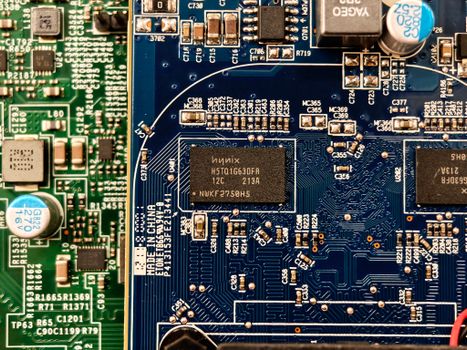
Detailed close-up of computer circuit boards highlighting electronic components and intricate circuitry. Photo: Adriano Ponte Abreu / Pexels
When you're trying to figure out how to choose a gaming laptop, the Graphics Processing Unit (GPU) and Central Processing Unit (CPU) are undeniably the most critical components. These two work in tandem to render your games, process complex calculations, and ensure a smooth, immersive experience. The GPU, often referred to as the graphics card, is responsible for rendering all the visual elements on your screen – from detailed textures and lighting effects to character models and environmental physics. For gaming, the GPU is typically the primary bottleneck, meaning it's the component that will most often limit your frame rates and graphical fidelity. Modern gaming laptops usually feature dedicated GPUs from NVIDIA's GeForce RTX series or AMD's Radeon RX series. When evaluating GPUs, pay attention to the model number (e.g., RTX 4070 vs. RTX 4080), as higher numbers generally indicate better performance within the same generation. Also, consider the TGP (Total Graphics Power) of the GPU, which indicates how much power the laptop is supplying to the graphics card. A higher TGP usually means better sustained performance, even for the same GPU model, as it allows the card to run at higher clock speeds. The CPU, on the other hand, handles all the non-graphical computations, such as game logic, AI, physics, and background processes. While not as dominant as the GPU in raw frame rate generation for most games, a powerful CPU prevents bottlenecks, especially in CPU-intensive titles like grand strategy games or open-world RPGs with many NPCs. Intel's Core i7 and i9 processors and AMD's Ryzen 7 and Ryzen 9 processors are common choices for gaming laptops. Look for the latest generations for optimal performance and efficiency. For instance, an Intel Core i7-13700H or an AMD Ryzen 7 7735HS will provide excellent performance for most modern games. While a powerful CPU is important, overspending on the absolute top-tier CPU at the expense of a better GPU is generally not recommended for a pure gaming setup, as the GPU will offer more significant returns on investment in terms of in-game performance. Balancing these two components is key to a well-rounded gaming laptop. Ensure they are a good match – a high-end GPU paired with a low-end CPU will lead to a bottleneck, and vice-versa. Always check benchmarks for the specific CPU-GPU combination you're considering to understand its real-world gaming performance across various titles. This balance ensures your investment is optimized for the best possible gaming experience, preventing either component from holding back the other.

Display, RAM, and Storage: Enhancing Your Gaming Experience
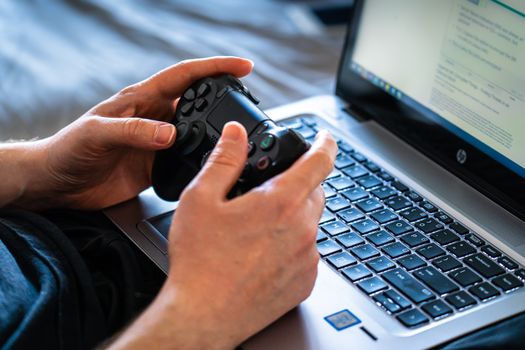
Person holds a gaming controller while interacting with a laptop, emphasizing modern gaming technology. Photo: Castorly Stock / Pexels
Beyond the core GPU and CPU, the display, RAM, and storage solutions significantly impact your overall gaming experience and are crucial factors when deciding how to choose a gaming laptop. The display is your window into the game world, and its specifications directly affect visual fluidity and clarity. For gaming, the refresh rate is paramount. A higher refresh rate (measured in Hz) means the screen updates more frequently, resulting in smoother motion and a more responsive feel, especially in fast-paced games. Look for at least 120Hz, with 144Hz, 240Hz, or even 360Hz options available for competitive gamers. While 1080p (Full HD) resolution is standard and excellent for most gaming laptops, striking a good balance between performance and visual quality, some higher-end models offer 1440p (QHD) or even 4K (UHD) displays. Keep in mind that higher resolutions demand significantly more from your GPU, so ensure your chosen graphics card can handle it at playable frame rates. Panel technology also matters: IPS panels offer excellent color accuracy and wide viewing angles, which are generally preferred for gaming. RAM (Random Access Memory) acts as a short-term memory for your computer, allowing it to quickly access data needed by the CPU and GPU. For modern gaming, 16GB of DDR4 or DDR5 RAM is the sweet spot. While some budget laptops might offer 8GB, this can lead to stuttering or slower load times in more demanding titles or when multitasking. 32GB is an excellent option for power users, content creators, or those who frequently run multiple applications alongside their games, but it's not strictly necessary for gaming alone. Ensure the RAM is running in dual-channel configuration (e.g., two 8GB sticks instead of one 16GB stick) for optimal performance. Storage is another critical component, particularly its type. Solid State Drives (SSDs) are essential for gaming laptops due to their significantly faster read and write speeds compared to traditional Hard Disk Drives (HDDs). Games installed on an SSD will load much quicker, and your operating system will feel snappier. Most gaming laptops come with an NVMe PCIe SSD as the primary drive, offering the best performance. Aim for at least 512GB, but 1TB or more is highly recommended, as modern game sizes continue to grow. If your budget is tight, some laptops offer a smaller SSD for the operating system and a few key games, alongside a larger HDD for mass storage, though this hybrid approach is becoming less common. Prioritizing an SSD for your main game library is a non-negotiable for a premium gaming experience. Always check if the laptop has additional M.2 slots or a 2.5-inch bay for future storage expansion, which can be a lifesaver as your game library expands.

Cooling, Build Quality, and Connectivity: Beyond Raw Power
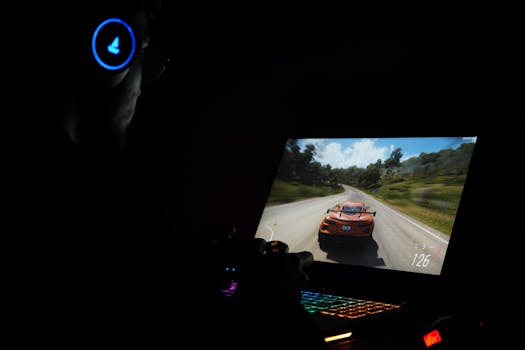
A gamer using a laptop and headphones to play a car racing game in a dark setting. Photo: Rajat Yadav / Pexels
While raw processing power is paramount, the long-term performance, usability, and longevity of your gaming laptop hinge on less obvious but equally vital aspects: cooling, build quality, and connectivity. Many overlook these factors when researching how to choose a gaming laptop, but they are crucial for a satisfying ownership experience. Effective cooling is arguably one of the most critical elements for a gaming laptop. High-performance GPUs and CPUs generate a significant amount of heat, and if this heat isn't dissipated efficiently, components will throttle their performance to prevent overheating. This thermal throttling leads to reduced frame rates and inconsistent gameplay, completely undermining the powerful hardware you've invested in. Look for laptops with robust cooling systems, often featuring multiple fans, larger heat pipes, and strategically placed vents. Reading reviews that specifically address thermal performance under sustained load is highly recommended. Some manufacturers also offer software tools to manage fan speeds and power profiles, giving you more control over the thermal dynamics. Build quality and design encompass more than just aesthetics. A sturdy chassis made from quality materials (aluminum, magnesium alloy, or high-grade plastics) will withstand the rigors of travel and everyday use. The keyboard and trackpad are your primary interfaces, so they must be comfortable and responsive. A good gaming keyboard typically features per-key RGB backlighting, anti-ghosting, and sufficient key travel for tactile feedback. While a trackpad is rarely used for serious gaming, a precise and smooth one is essential for general use. Consider the overall weight and thickness of the laptop; while powerful gaming laptops are rarely ultralight, some brands manage to pack significant power into relatively sleek designs, which is a bonus for portability. Connectivity ensures your laptop can interface with all your peripherals and networks. Essential ports include multiple USB-A ports (for mice, keyboards, external drives), at least one USB-C port (preferably Thunderbolt 4 for versatility and fast data transfer), an HDMI or DisplayPort for external monitors, and an Ethernet port for stable wired internet during online gaming. Wi-Fi 6 or Wi-Fi 6E is a must for fast wireless connectivity, and Bluetooth 5.0 or higher is crucial for wireless headsets and controllers. Don't forget to check for a headphone jack! The availability and placement of these ports can significantly impact your setup and workflow. A well-designed port layout prevents cable clutter and allows for easy access to all your accessories. Evaluating these aspects ensures that your gaming laptop is not just a powerhouse, but also a reliable, comfortable, and versatile machine that meets all your computing needs, both in and out of games. Ignoring these aspects can lead to frustration, even with the most powerful internal components.

Budgeting and Common Mistakes to Avoid When Buying a Gaming Laptop

A gamer using a laptop and headphones to play a car racing game in a dark setting. Photo: Rajat Yadav / Pexels
Navigating the world of gaming laptops requires a keen eye on your budget and an awareness of common pitfalls. When you're determining how to choose a gaming laptop, setting a realistic budget is the first and most critical step. Gaming laptops range from around $800 for entry-level models to upwards of $4000 for high-end, enthusiast-tier machines. Your budget will largely dictate the level of performance you can expect. Mid-range laptops ($1200-$2000) often offer the best balance of price and performance, capable of running most modern games at 1080p with good frame rates. High-end models ($2000+) provide superior performance, higher refresh rates, better resolutions (1440p/4K), and often premium build quality and cooling solutions. Remember to factor in potential accessories like a gaming mouse, headset, and external monitor if you don't already own them. Here are some common mistakes to avoid: * **Overspending on the CPU, Underspending on the GPU:** For pure gaming, the GPU is king. A powerful CPU is good, but a significantly weaker GPU will bottleneck your system much more often. Prioritize a stronger GPU over a slightly better CPU if you have to make a choice within a budget. * **Ignoring Thermal Performance:** A laptop with powerful specs but poor cooling will throttle under load, leading to worse performance than a less powerful but better-cooled machine. Always read reviews about a laptop's thermal management. * **Neglecting the Display:** A high-refresh-rate screen (120Hz+) dramatically improves the gaming experience. Don't settle for a 60Hz panel if you can avoid it, as it won't fully utilize the frame rates your powerful GPU can produce. * **Skimping on Storage (SSD):** HDDs are too slow for modern games. Always ensure your primary drive is an SSD, preferably NVMe. A small SSD might force you to constantly uninstall and reinstall games. * **Buying for Future-Proofing:** Technology evolves rapidly. While it's good to get a capable machine, trying to 'future-proof' by buying the absolute top-tier components often means paying a premium for performance you might not utilize for years, by which time even newer tech will be out. Focus on what you need now and for the next 2-3 years. * **Ignoring Portability and Battery Life (if needed):** If you plan to travel frequently with your laptop, consider its weight, dimensions, and battery life. Gaming laptops are rarely known for exceptional battery life, but some are better than others. Always manage expectations here. * **Not checking for upgradeability:** While not always possible, some gaming laptops allow for RAM and storage upgrades. This can extend the life of your machine and save money down the line. Check reviews or manufacturer specs for upgrade options. By carefully considering your budget and avoiding these common pitfalls, you can make a more informed decision and select a gaming laptop that perfectly suits your needs and provides excellent value for your money.

Comparison

FeatureBudget Gamer ($800-$1200)Mid-Range Enthusiast ($1200-$2000)High-End Pro ($2000+)
GPURTX 3050/3050 Ti, RX 6600MRTX 4060/4070, RX 7700S/7800SRTX 4080/4090, RX 7900M
CPUIntel i5, Ryzen 5 (H-series)Intel i7, Ryzen 7 (H/HS-series)Intel i9, Ryzen 9 (HX/HS-series)
RAM8GB-16GB DDR416GB DDR4/DDR532GB DDR5
Storage512GB NVMe SSD1TB NVMe SSD1TB+ NVMe SSD
Display Refresh Rate120Hz-144Hz 1080p144Hz-240Hz 1080p/1440p240Hz+ 1080p/1440p/4K
Cooling SystemStandardEnhancedAdvanced/Vapor Chamber
Build QualityGoodVery GoodPremium

What Readers Say

"This guide was incredibly helpful in showing me how to choose a gaming laptop. I thought I needed the absolute best CPU, but realizing the GPU's importance saved me money and got me a better gaming experience. My new laptop handles everything flawlessly."

Alex P. · Seattle, WA

"After reading this, I understood the nuances of refresh rates and SSDs. I specifically looked for a 144Hz screen and an NVMe drive, and the difference is night and day. No more long loading screens or choppy visuals!"

Maria S. · Austin, TX

"Following the advice on balancing GPU and CPU, I found a laptop that delivered consistent 60+ FPS in all my favorite games. Before, I was just guessing, but this guide gave me a clear framework for how to choose a gaming laptop effectively."

David K. · Miami, FL

"The guide was mostly excellent, especially the section on cooling. I ended up with a great laptop, though I wish it had one more USB-A port. Still, a solid resource for anyone learning how to choose a gaming laptop."

Jessica L. · Denver, CO

"As someone who also does video editing, the tips on RAM and storage were spot on. I got 32GB RAM and a 2TB SSD, and my workflow is incredibly smooth alongside my gaming. This really helped me how to choose a gaming laptop for both work and play."

Omar F. · Chicago, IL

Frequently Asked Questions

What is the most important component when choosing a gaming laptop?

The Graphics Processing Unit (GPU) is generally the most important component for gaming performance. It directly impacts frame rates and graphical fidelity. While the CPU, RAM, and display are also crucial, a powerful GPU will give you the most significant boost in gaming experience.

Will a gaming laptop overheat easily?

Modern gaming laptops are designed with advanced cooling systems to manage heat, but they can still get warm under heavy load. It's crucial to choose a model with a robust cooling solution and ensure proper ventilation. Thermal throttling can occur if cooling is inadequate, leading to reduced performance.

How much RAM do I need for a gaming laptop?

For most modern gaming, 16GB of DDR4 or DDR5 RAM is the recommended sweet spot. This amount allows for smooth gameplay and multitasking without significant performance dips. While 8GB can work for some titles, 16GB provides a much better experience and future-proofs your system for upcoming games.

Are gaming laptops expensive?

Gaming laptops range widely in price, from budget-friendly options under $1000 to high-end machines costing over $3000. Your budget dictates the level of performance and features you can expect. Mid-range laptops (around $1200-$2000) often offer the best balance of price and performance for most gamers.

Should I get a gaming laptop or build a gaming desktop?

A gaming laptop offers portability, allowing you to game anywhere. A gaming desktop typically provides better performance for the same price, is easier to upgrade, and has superior cooling. The choice depends on your priority: mobility for a laptop or raw power and upgradeability for a desktop.

Who should consider buying a gaming laptop?

Anyone who needs a powerful computer for both gaming and productivity, and values portability, should consider a gaming laptop. This includes students, frequent travelers, or those with limited space who still want a high-performance gaming experience without being tied to a single location.

Is battery life an issue with gaming laptops?

Yes, battery life is generally a compromise with gaming laptops. Due to their powerful components, they consume a lot of power, especially during gaming. Expect significantly shorter battery life (1-3 hours) when gaming on battery, though general productivity tasks might yield 4-6 hours or more.

What are the future trends in gaming laptops?

Future trends include thinner and lighter designs with improved cooling, more efficient and powerful GPUs/CPUs, higher refresh rate and resolution displays (e.g., OLED), AI-powered performance enhancements, and potentially more integration with cloud gaming services. Expect continued advancements in performance per watt.

Armed with this comprehensive guide, you're now ready to confidently navigate the market and make an informed decision on how to choose a gaming laptop. Take these insights, match them with your needs and budget, and prepare to elevate your portable gaming experience. Your ultimate battle station awaits!

Topics: how to choose a gaming laptopgaming laptop specsbest gaming laptopgaming laptop budgetgaming laptop performance
Leo List

IE Escorts NO Escorts US Escorts NZ Escorts AU Escorts
Brampton weed
Adultwork EstrelaBet Vai de Bet R7 Bet Betão Galera Bet Rainbet Bet9ja Shop SportyBet BetKing Sisal Loto Foot Hollywoodbets YesPlay Odibets RushBet Jugabet BetWarrior BetCity MSport betPawa Fortebet